Thumbnails and GIFs
A video's Visuals tab has the pictures made from it: the thumbnail that shows before it plays, the previews over its time slider, and GIFs of any part of it.
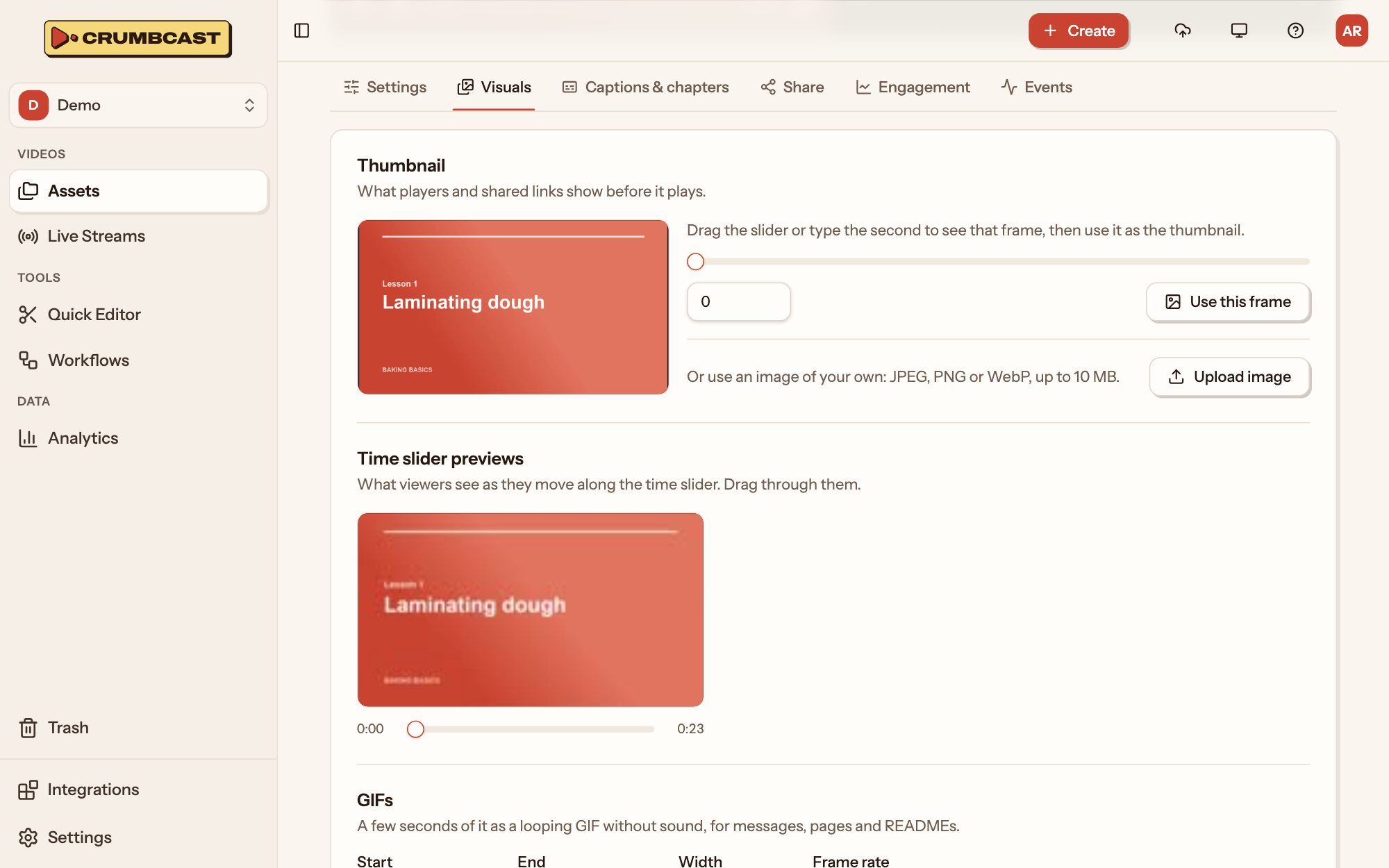
Thumbnail
The thumbnail is what players and shared links show before the video plays. One is made when the video is encoded; to pick another:
- A frame of the video: drag the slider, or type the second, to see that frame, then click Use this frame.
- An image of your own: click Upload image (JPEG, PNG or WebP, up to 10 MB).
Time slider previews
As viewers move along the player's time slider, they see a small picture of that moment. These previews are made with the video's encoding; drag through them here to check them. There's nothing to set.
GIFs
A GIF is a few seconds of the video, looping and without sound, for messages, pages and READMEs.
- Set its Start and End: type them, or play the video to the moment and click the target beside the field to use the player's time.
- Pick its Width and Frame rate. Smaller and slower make a lighter file.
- Click Make GIF.
Once it's made, Download it or Copy link to share it. A GIF of a signed video needs the viewer's token in its link, like the video.