Feature overview
What Crumbcast does, and where each part of it is in the API. Everything here is in the dashboard too; what a token can call is in the API reference.
Some features depend on your plan (live streams, forensic watermarks, generated
captions and chapter suggestions, your own storage, some codecs and qualities): without them, the API answers 402
and says which plan has it.
On Sandbox, before you add a card, videos are cut to 30 seconds, marked and deleted
after 7 days (Uploading a video), and live broadcasts end after
15 seconds.
Getting videos in
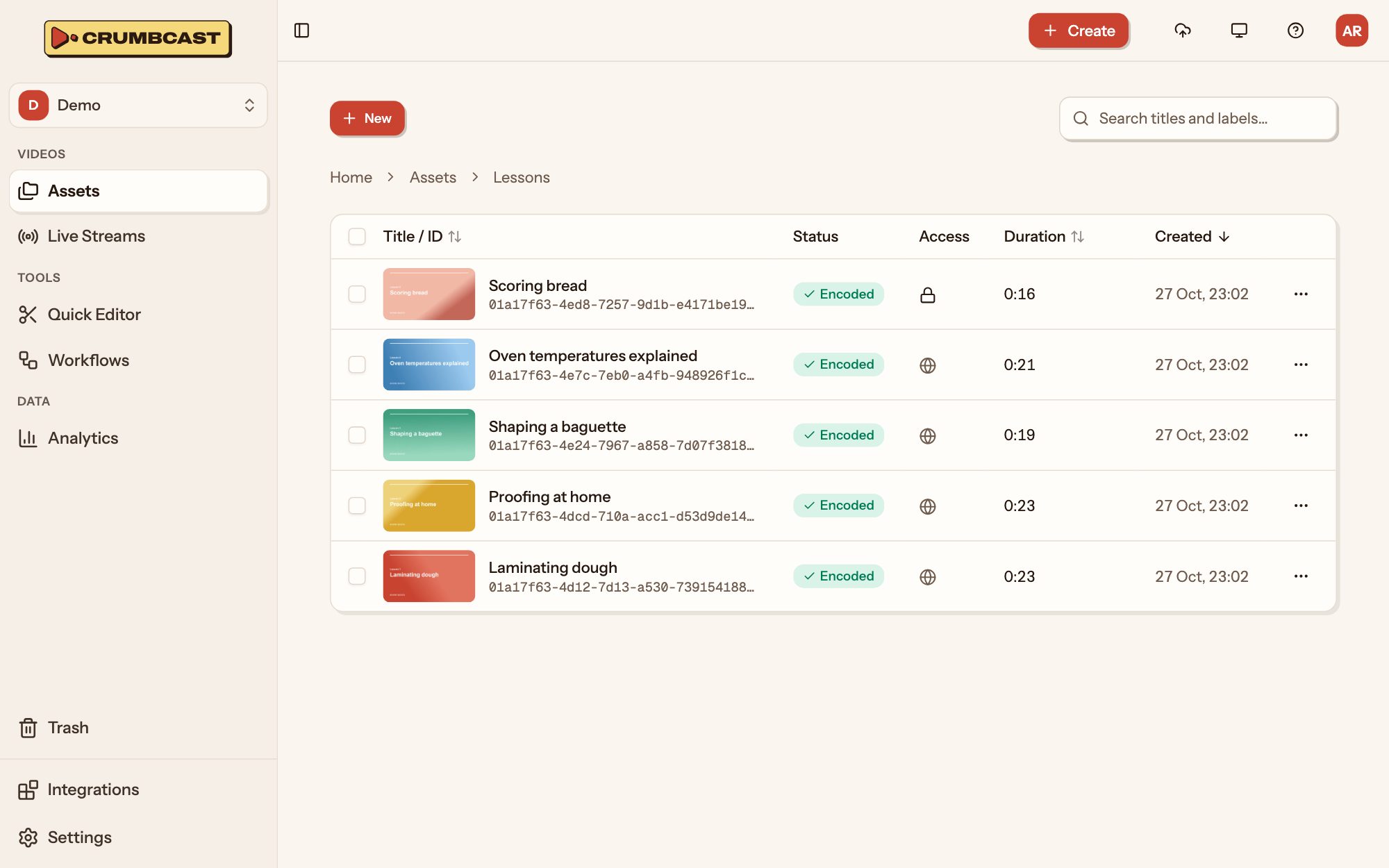
- Uploads in parts, straight from your code to storage, never through the API: large files go up in pieces, side by side, each tried again alone. Uploading a video
- Imports from a link: Crumbcast downloads the file itself.
- Replacing a video's file: a new one in place of the old, the video's ID, links and settings kept; it plays as it was until the new file is encoded.
- Folders and labels to sort them, and moving or labelling many videos at once.
- Your own storage: an S3-compatible bucket of yours, in place of Crumbcast's, for a project's videos. What's kept there counts toward neither your storage nor your delivery.
Encoding
- Adaptive streaming: HLS and DASH, each video in renditions up to its source's quality, so players pick what the viewer's connection takes.
- Codecs: H.264, H.265 and AV1, up to one format of each per video, with the highest quality and encoding quality (bitrate) you choose.
- Long videos are encoded in chunks, side by side.
- Even loudness: a video's sound brought to one level (-16 LUFS, EBU R128), or left as it is.
- Encoding again only what changed: a new watermark or protection re-encodes or re-encrypts what it has to, not the whole video.
Captions, chapters and pictures
- Captions: upload WebVTT or SRT, a track per language, or generate them from the video's speech; edit their cues afterwards. They're also its transcript.
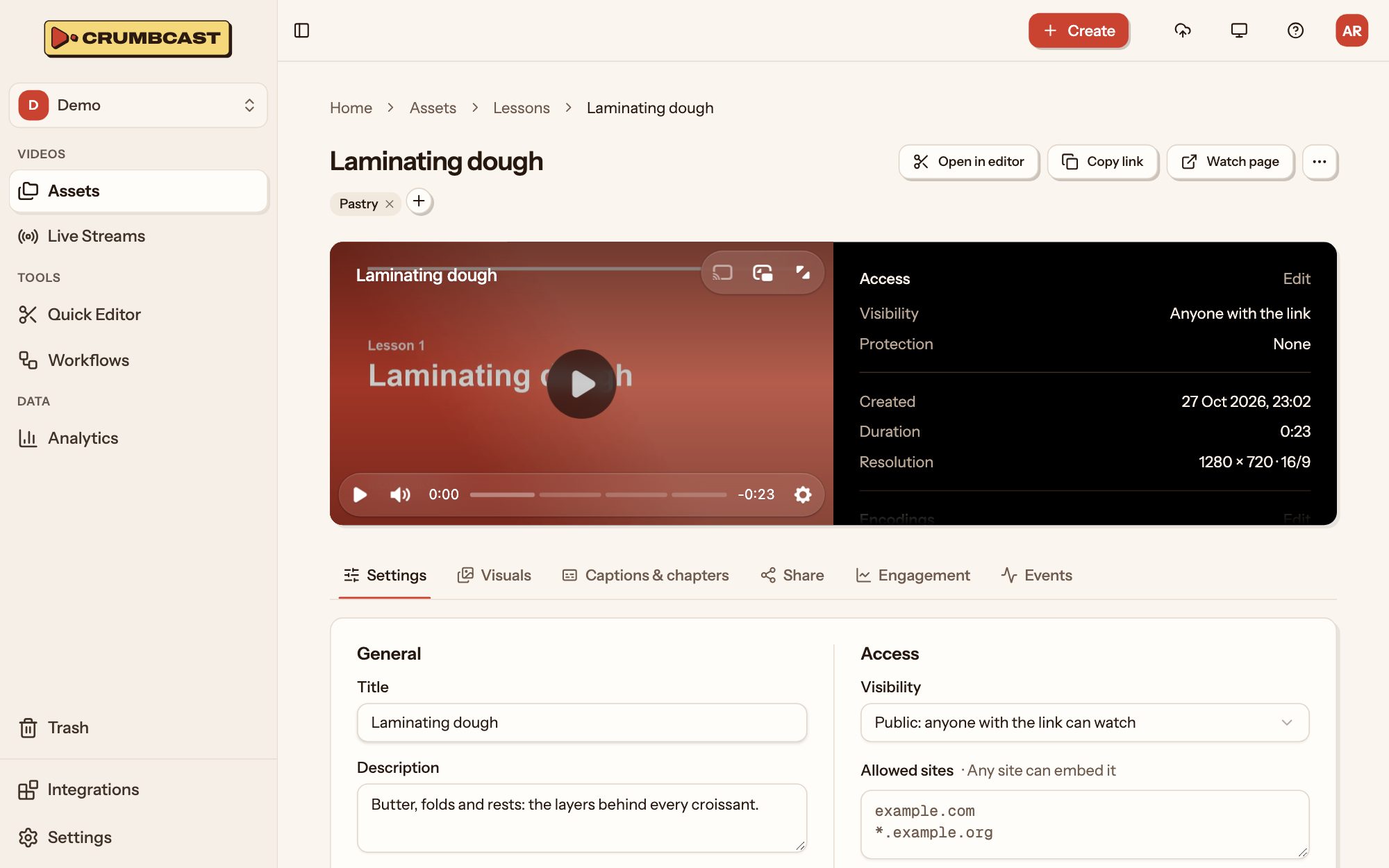
- Chapters: set by hand, or suggested from the captions for you to look over.
- AI credits: suggesting chapters takes credits, a monthly allowance on every plan
but Sandbox; generating captions takes none. Past the allowance, a paid plan bills
them and Free refuses them (
402) until the next month. - Thumbnails: a frame of the video, or an image of your own.
- Storyboards: the preview frames players show over their timeline.
- GIFs: any part of a video, as an animated GIF.
Editing
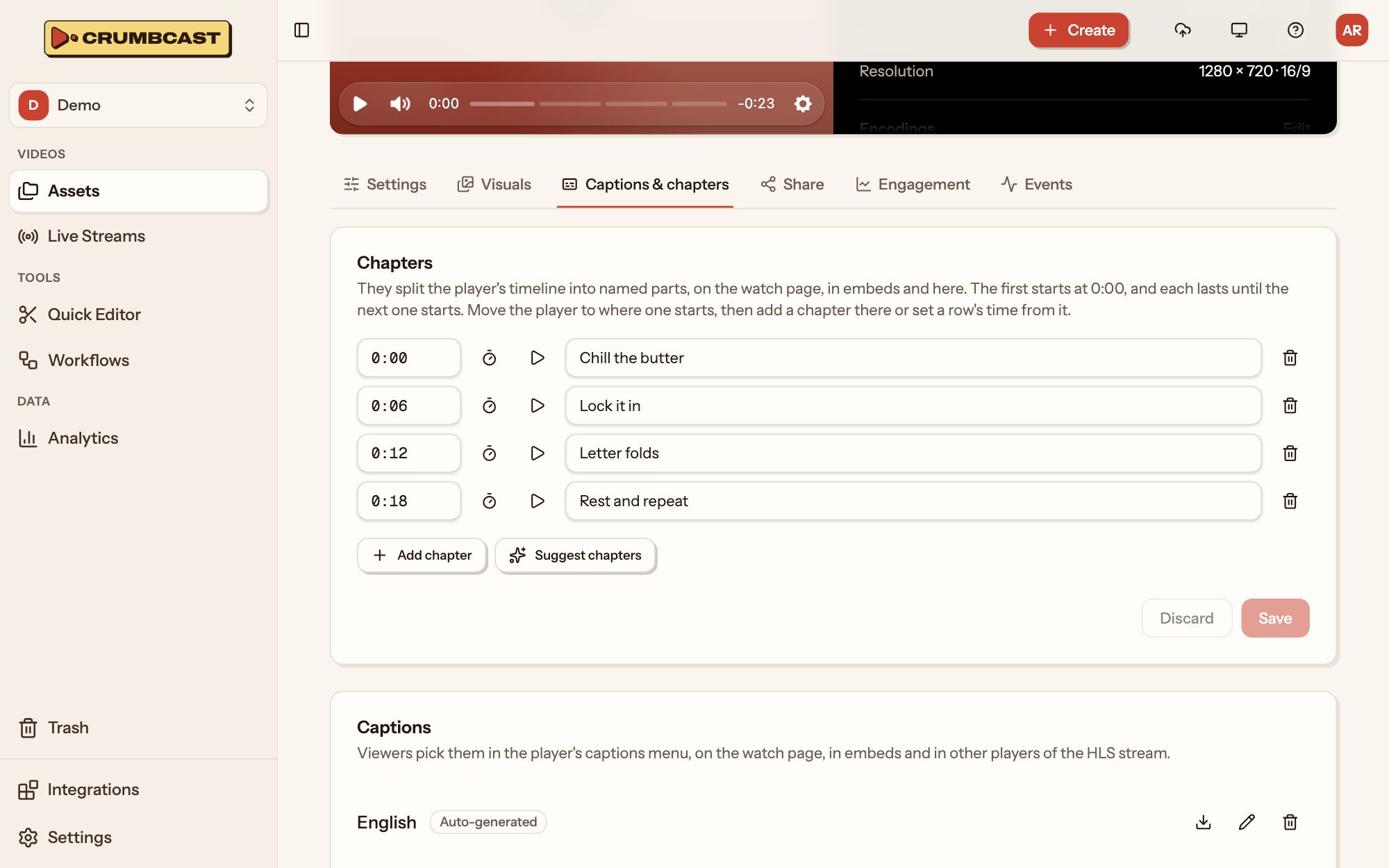
- Clips: a new video from the parts of one you keep, cropped or turned if you like; the original stays as it is.
- Trims: the same cut, to the video itself.
- Workflows: a project's saved recipe, run on each upload or import that names it, or again on a video that's in: its encodings, watermark, protection, audio and player, an intro and outro merged around it, captions made from its speech, chapters read from them.
Playback and protection
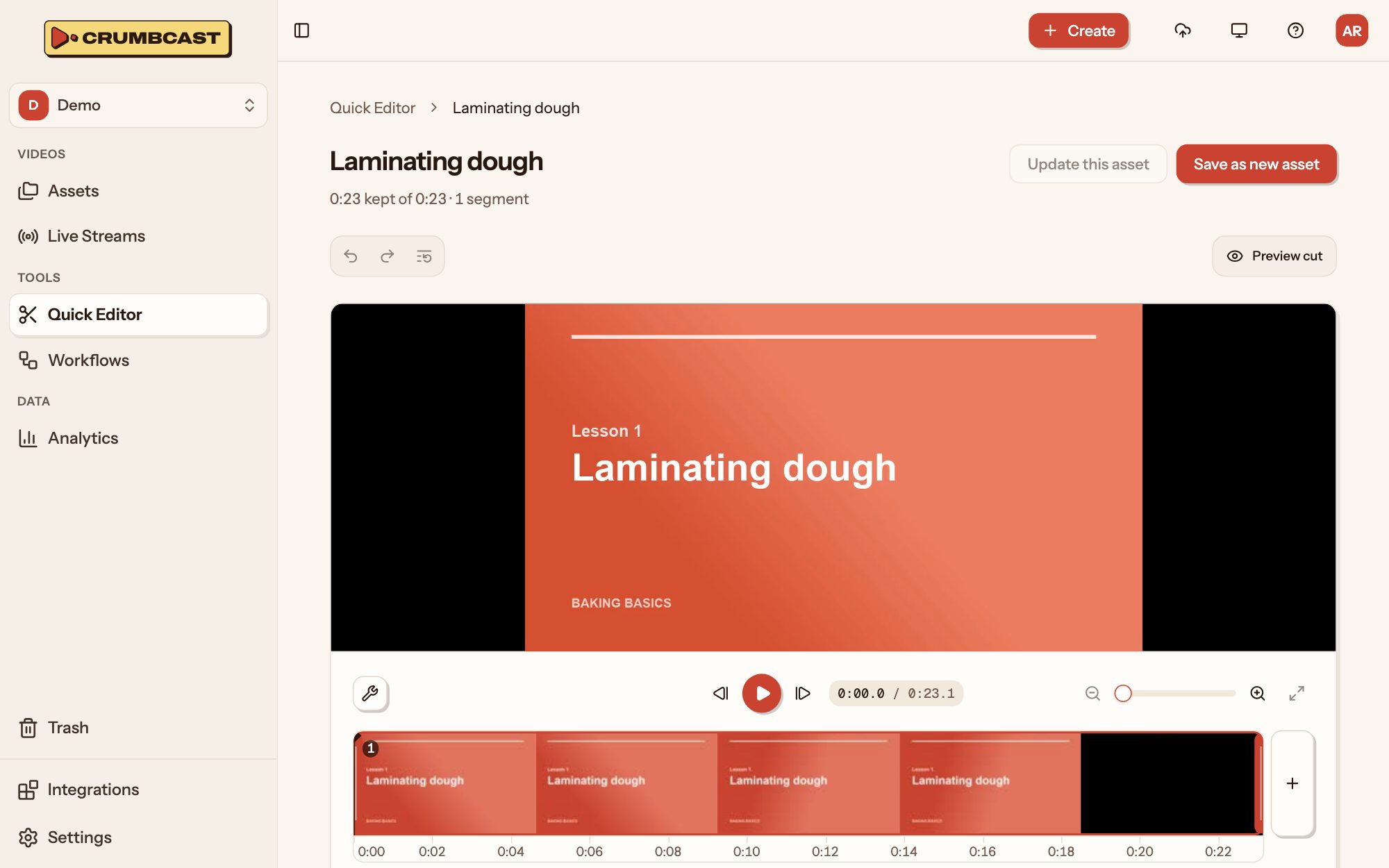
- Who may watch, per video or live stream:
public(anyone with the link),signed(a playback token your backend makes for each viewer), orpassword. Signed playback - Embedding only on the sites you list.
- Encryption: AES-128, the key served only to who may watch; DRM with ClearKey where your Crumbcast offers it.
- Logo watermarks: your image or text burned into every rendition.
- Forensic watermarks: each viewer's copy marked as their own, so a leaked file is traced back to who it was played to.
Players and sharing
- Watch pages and embeds for every video and live stream, and oEmbed, so CMSs and chat apps show the player from a link.
- Players of your own: colours, controls, your logo over the video, an image at its end; one the project's default, any video given another.
- Ads from your ad server: a project's VAST or VMAP tags, one picked per video or live stream, played in its embeds on your site with your visitors' consent passed on.
- Your own player: every video's HLS and DASH playlists, captions, chapters and storyboard are there for it to play.
Live streaming
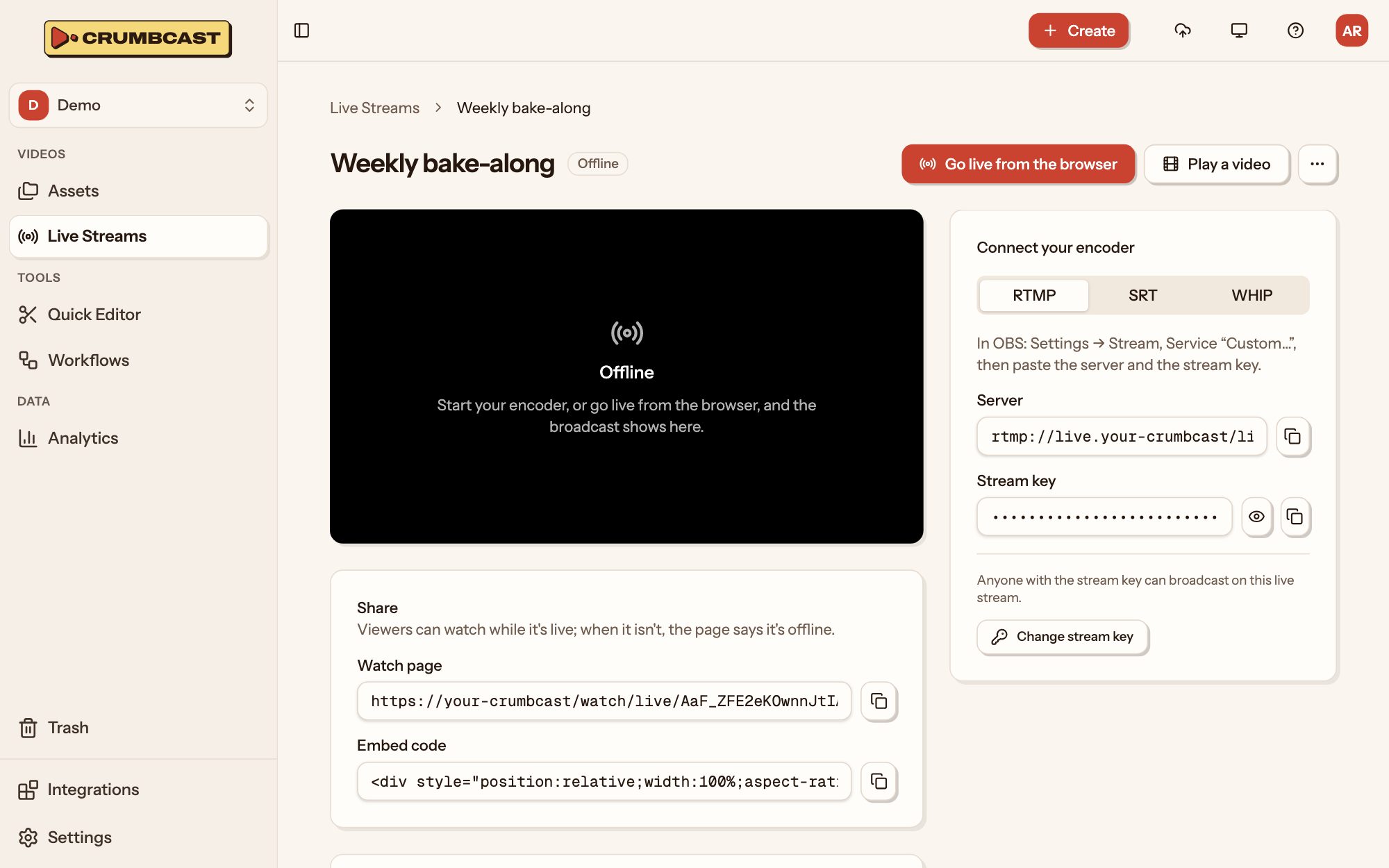
- Going live from an encoder (RTMP, SRT; OBS and the like) or straight from the browser (WHIP), with no software to install.
- Low latency: about 3 seconds behind with LL-HLS, or 8 with standard segments.
- Recordings: each broadcast becomes a video of the project when it ends.
- Simulcasting to YouTube, Twitch or any RTMP server, at the same time; YouTube and Twitch channels signed in to once, their viewers counted with yours.
- Zoom meetings and webinars streamed into a live stream.
- Videos played live, now or at a time you schedule, as a broadcast.
- Who may watch and encryption as for videos.
Analytics
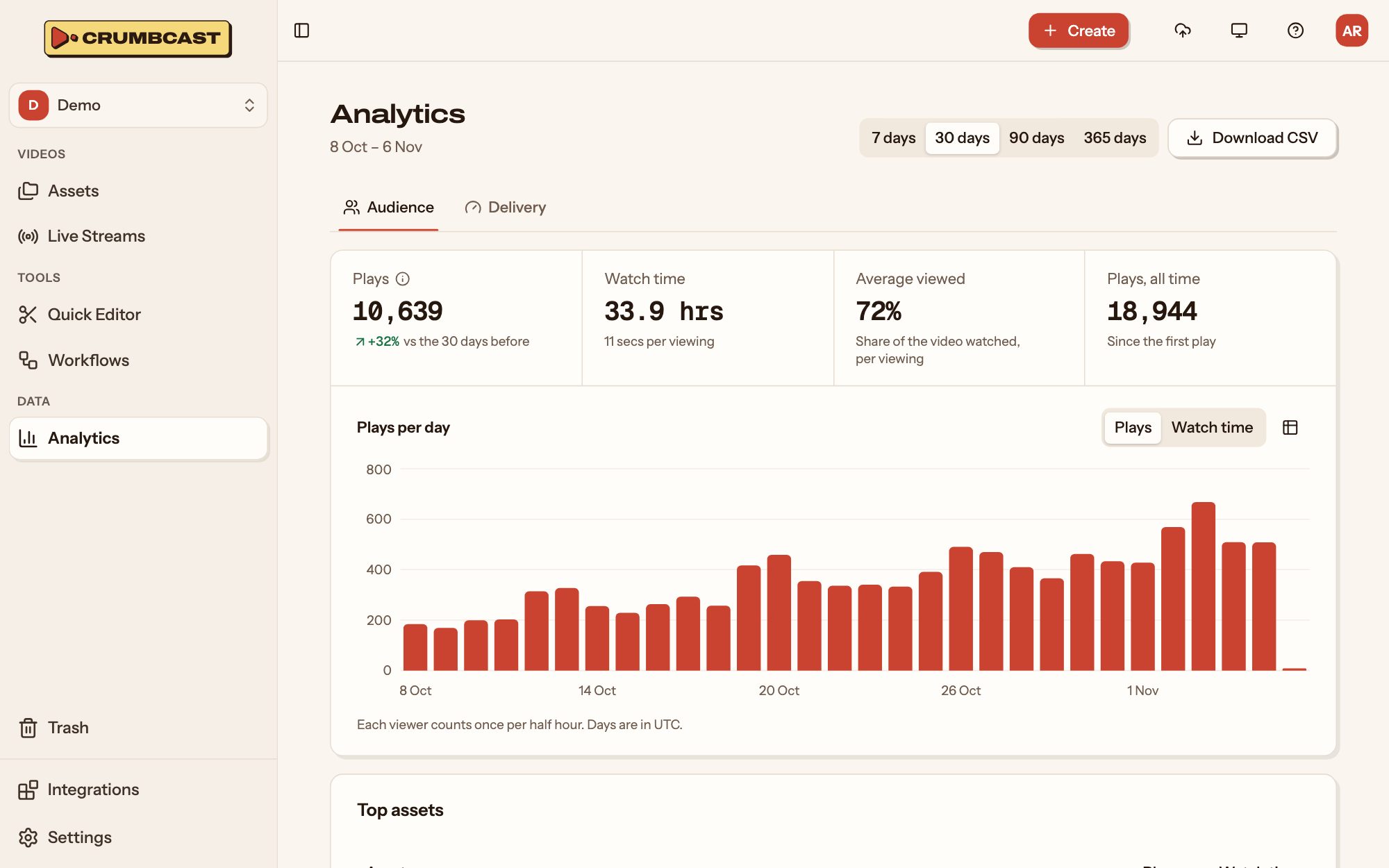
- Views and watch time, per day, of a project, a video or a broadcast, from the watch page, embeds, and the sites they're embedded on.
- Retention: how much of a video viewers watch, and where they stop.
- Audience: countries, devices, browsers, systems and the sites viewers came from.
- Quality: how long videos take to start, rebuffering, and the renditions played.
- Live: who's watching now, here and on simulcast platforms.
Building on it
- API tokens per project, each with a role:
viewer,editororadmin. Authentication - Webhooks for what happens to videos and live streams, signed, tried again for about 42 hours until they're taken, and listed with each delivery's answer. Webhooks
- An MCP server for AI agents, held to the same rules as tokens. Getting started for AI agents
- An OpenAPI spec, at
/api/v1/openapi.public.json, for generating a client in your language.
Teams
- Organisations with their plan, members and storages, and projects in them, each with its own videos, live streams, members and settings.
- Roles per project: viewers look, editors upload and change, admins manage the project's settings.