The Crumbcast API
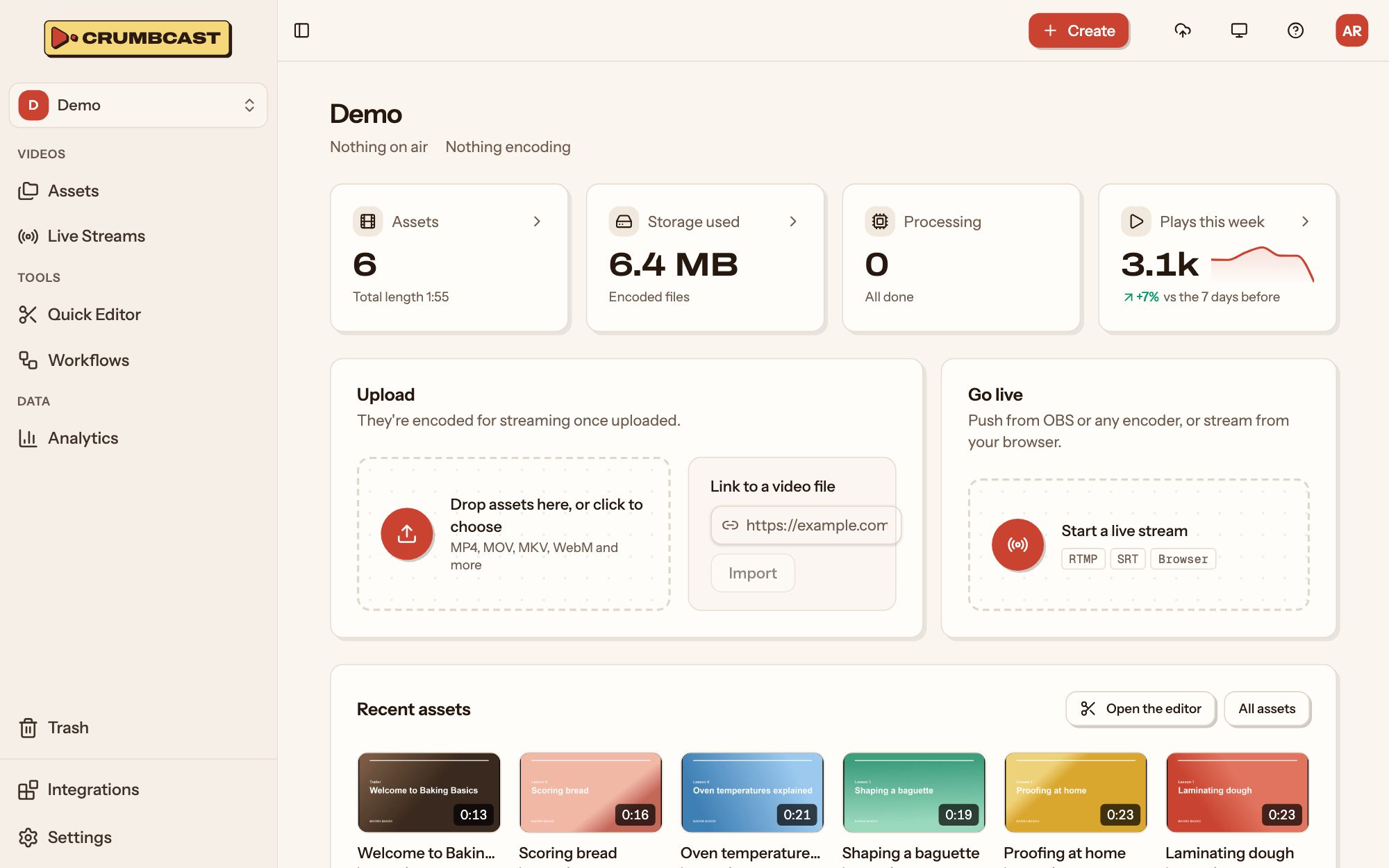
Everything you do in a Crumbcast project's dashboard, your own code can do through the API: upload and import videos, edit and organise them, run live streams, sign playback for your viewers, and hear back from Crumbcast through webhooks.
Who these docs are for
Developers who build Crumbcast into their own product or tools:
- Backend developers putting videos and live streams on their site or in their app: uploading what their users send, signing playback for who may watch, keeping their own records in step through webhooks.
- Teams automating their video work: importing from a link, publishing from CI, captioning, cutting and organising videos in bulk.
- Builders of AI agents that work with a project's videos, through the API or its MCP server.
If you only use the dashboard, you don't need any of this: start with Using the dashboard.
What you need
- A Crumbcast account, and a project you're an admin of (to make API tokens) or a member of (to be given one).
- An API token for that project, with the role your code needs:
viewerto read,editorto upload and change videos,adminfor signing keys, webhooks and the project's other settings. - Anything that sends HTTPS requests:
curl, your language's HTTP client, or one of the SDKs, for JavaScript and TypeScript (npm install crumbcast), Python (pip install crumbcast) and PHP (composer require crumbcast/crumbcast). The guides' examples arecurl, so they read the same in any language; the SDK pages show the same tasks in theirs.
What the API doesn't do
A token works in its own project only. Your account, your organisation, its storages and billing, and the project itself (its members, its API tokens) are managed in the dashboard, not through the API.
How these docs are organised
- Getting started: this overview, what every request has in common; the feature overview and getting started for AI agents.
- SDKs: the API in JavaScript and TypeScript, Python and PHP, with uploads and webhook checks done for you.
- Guides: whole tasks, start to finish: uploading, playing and modifying videos, live streaming, workflows, analytics, access and permissions (with signed playback), webhooks, agents and migrating to Crumbcast.
- API reference: every endpoint a token can call, with its fields, answers and errors; Authentication and Errors first.
Base URL
Every endpoint is under /api/v1/ on your Crumbcast's address:
https://your-crumbcast/api/v1/
Paths end in a slash (/api/v1/videos/{id}/), as the API reference lists them.
Requests and answers
- Requests and answers are JSON (
Content-Type: application/json), but for the few that send or return a file. - IDs are UUIDs (
3f2b9c1e-…). Links in the app and on watch pages show them shorter; the API takes and answers only the full form. - Times are ISO 8601, in UTC.
- Fields are only ever added to answers: ignore ones you don't know.
- Lists come in an object, under the plural of what they list (
{"videos": [...]}), so they can gain fields too.
Paths and methods
- What's in a project is listed and made under it (
/api/v1/projects/{project_id}/videos/); each one then has its own path (/api/v1/videos/{id}/), whatever project it's in. PATCHchanges only the fields sent;PUTreplaces what's at the path with what's sent (a player's settings, a video's protection).- What isn't a change of fields is a
POSTto the action's own path (/api/v1/videos/{id}/trim/,/api/v1/webhooks/{id}/test/).
Where to start
- Make an API token in your project's settings, and install the JavaScript, Python or PHP SDK if you use one of them.
- Upload a video, or import one from a link.
- Hear when it's ready with a webhook, rather than asking again and again.
- For videos only some may watch, sign playback tokens from your backend.
The API reference has every endpoint a token can call, generated from
the API's OpenAPI spec, which is also at /api/v1/openapi.public.json for generating a
client in your language.